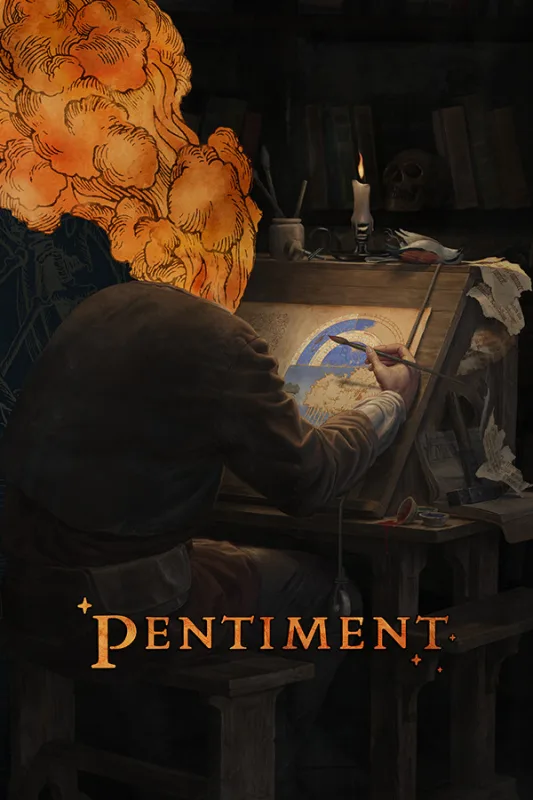
截圖
關於此修改器
英文This Pentiment trainer lets you set how quickly Andreas gets around and how time passes while you follow each investigation. Every option has its own hotkey to switch it on or off. Use it offline in single-player only, and back up your save files first.
選項
英文8 個選項

| 快捷鍵 | 選項 |
|---|---|
| F1 |
Super Speed
Andreas walks much faster, so long trips between locations take less time. |
| F2 |
Game Speed
Speeds the whole game up or slows it down to match how fast you read and explore. |
| F3 |
Freeze Time of Day
Stops the clock, so the hours stay put while you explore and talk to people. |
| F4 |
Save Position
Stores your current location in a slot so you can come back to it later. |
| F5 |
Load Position
Returns you instantly to the location stored with Save Position. |
| F6 |
Teleport to Waypoint
Moves you straight to the spot you have marked as your destination. |
| F7 |
Instant Text Display
Shows dialogue and written text in full at once instead of letter by letter. |
| F8 |
Zoom Out Camera
Pulls the camera back for a wider view of the illustrated scenery. |
檔案與鏡像站
-
下載
下載連結
外部鏡像站
更新日誌
英文v1.0 · 21 Nov 2026
- Initial v1.0 release with 8 options, built for Pentiment version 1.3.1846.
- Movement: Super Speed, Save Position, Load Position and Teleport to Waypoint for getting around the Alps.
- Time: Game Speed and Freeze Time of Day for controlling the pace of each day.
- Interface and camera: Instant Text Display and Zoom Out Camera.






留言
尚無留言
成為第一個分享想法的人吧。